Origami AI Access
Bringing generative AI into the Origami canvas, so designers can prototype with models the way they already prototype with logic.
Overview
Origami is how teams across Meta prototype real, interactive experiences. With generative models moving to the centre of product design, the question became: how do you let designers prototype with AI without leaving the canvas they already trust?
Meta Teams
Product teams across Meta using Origami AI Access to prototype real AI experiences.
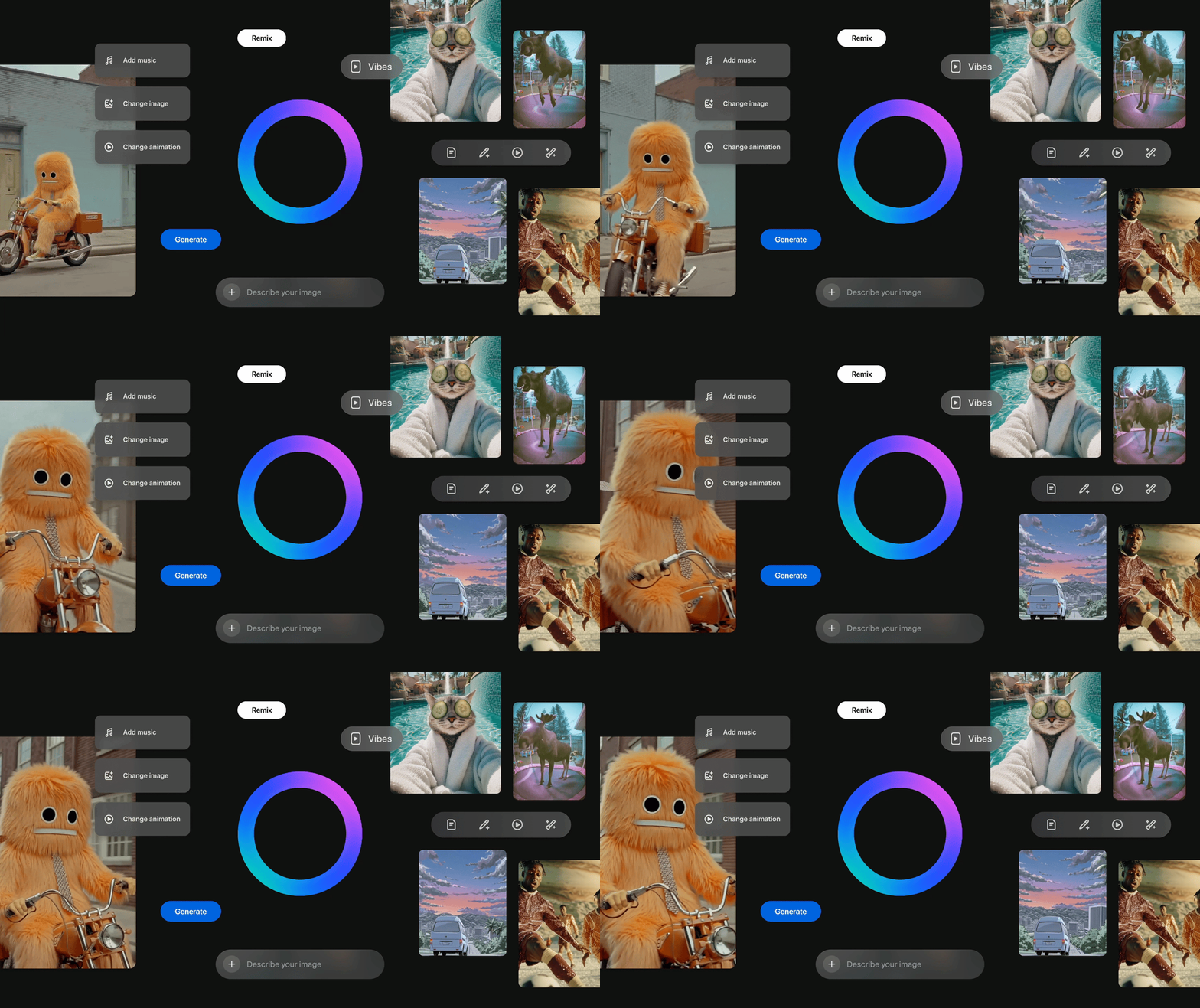
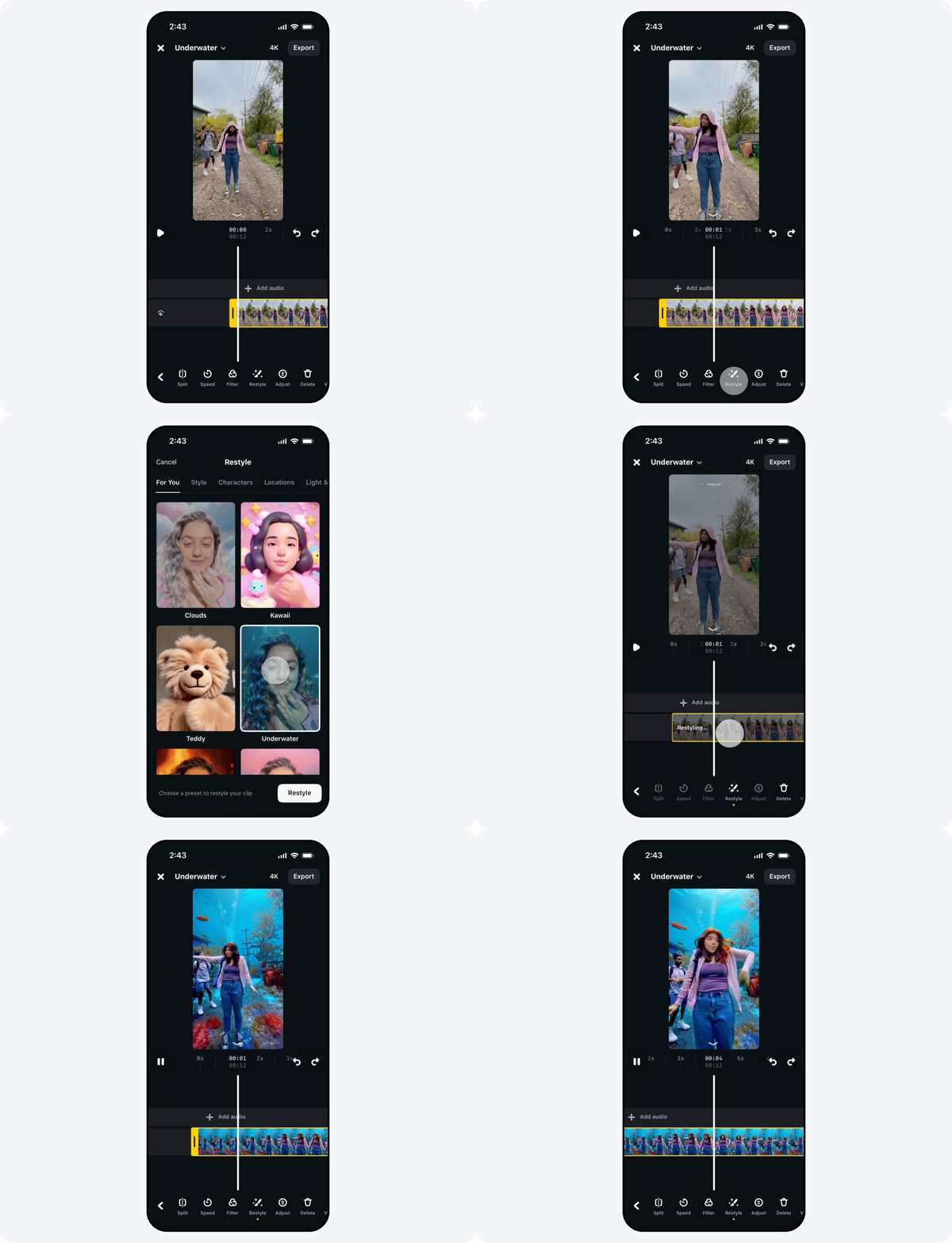
See it work.
Named as the tool for designing with AI
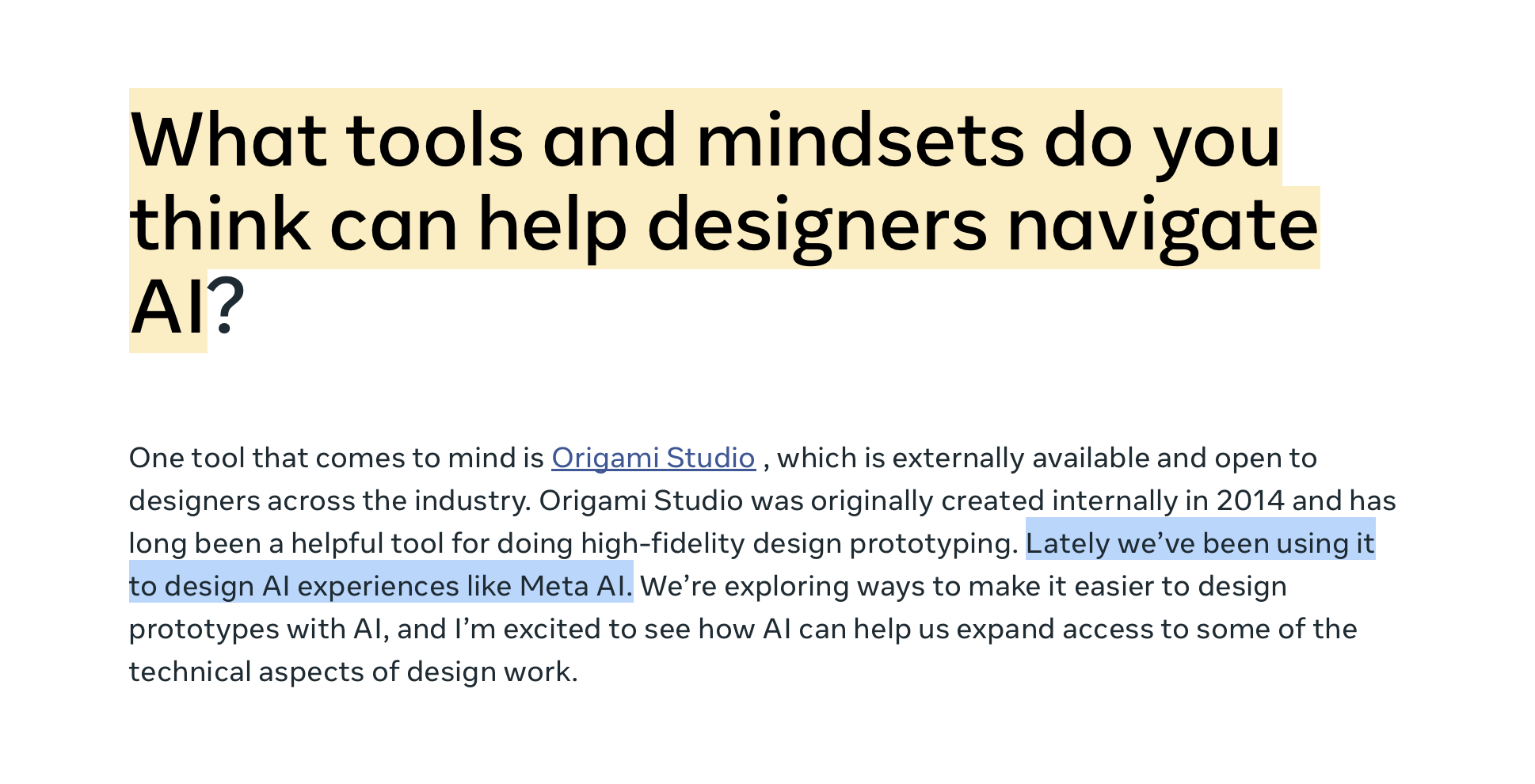
Asked what helps designers navigate AI, Meta's Head of Design pointed at Origami Studio, and at the work of making prototyping with AI easier. That is the work on this page.

Designers had to leave their prototype to touch a model, breaking flow and losing fidelity.
Treat AI as a native patch, inputs, outputs and state that compose with everything else in Origami.
A faster path from idea to a working, model-powered prototype. Add real metrics here.
Stress-testing a support assistant with real models
For the new Meta AI support assistant on Facebook and Instagram, designers used Origami AI Access to prototype against the real models, not mockups. They could type a genuine support question, get a genuine model response, and feel how the assistant handled account issues, so the experience could be pressure-tested and refined before it reached people.
Prototyping on live models is what let the team trust the behaviour they were designing around, the difference between guessing how AI would respond and knowing.
The Meta AI support assistant. Read more: Making it easier to access account support.
From Meta AI: The future of AI, built with Llama.
An experimental Llama, inside the canvas
Origami AI Access is powered by Llama. Working with an experimental, internal version of the model at Meta, we wired Llama directly into the canvas, so designers could explore genuinely new product experiences and reason over content without leaving their prototype.
It also powered a new class of patch functionality in Origami itself: patches that take a prompt, understand intent, generate copy or structure, and return something usable to the rest of the graph, turning the model into a building block designers compose with.
Read more: The future of AI, built with Llama.
Bringing SAM 3 into the canvas
SAM 3, the Segment Anything Model, identifies, segments and tracks any object in images and video from simple text or visual prompts. We integrated it directly into Origami AI Access, so designers could prompt it and use its masks live on the canvas, no round-trip to a research notebook.
That turned a state-of-the-art segmentation model into a prototyping primitive: select a subject, follow it through a clip, and build product experiences around it. It's the same capability now reaching products like Instagram Edits and Meta AI's Vibes.
Point to a concept with text or a click, and SAM 3 returns a precise mask, usable as an input to anything downstream.
Segments hold as an object moves across frames, so prototypes can follow a subject, not just a still.
Wrapped as an Origami patch, so segmentation composes with the rest of a prototype's logic.
Read the research: Segment Anything Model 3.
Enter the access code to continue.
A closed beta with designers we admire
To pressure-test Origami AI Access in the real world, we ran an invite-only beta with ten renowned designers from OpenAI, LoveFrom and Apple. This is the introduction and setup film we sent them to get started.